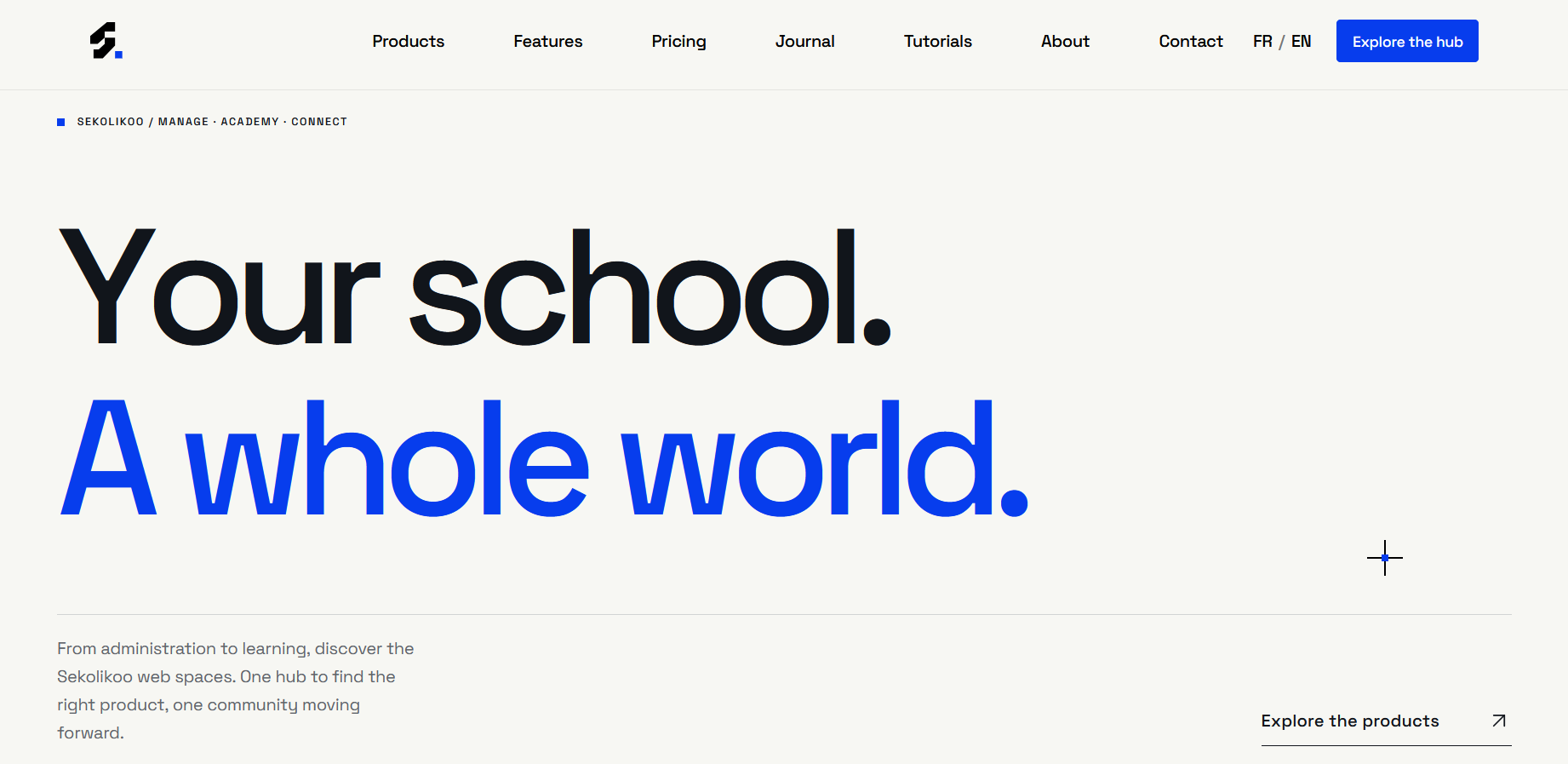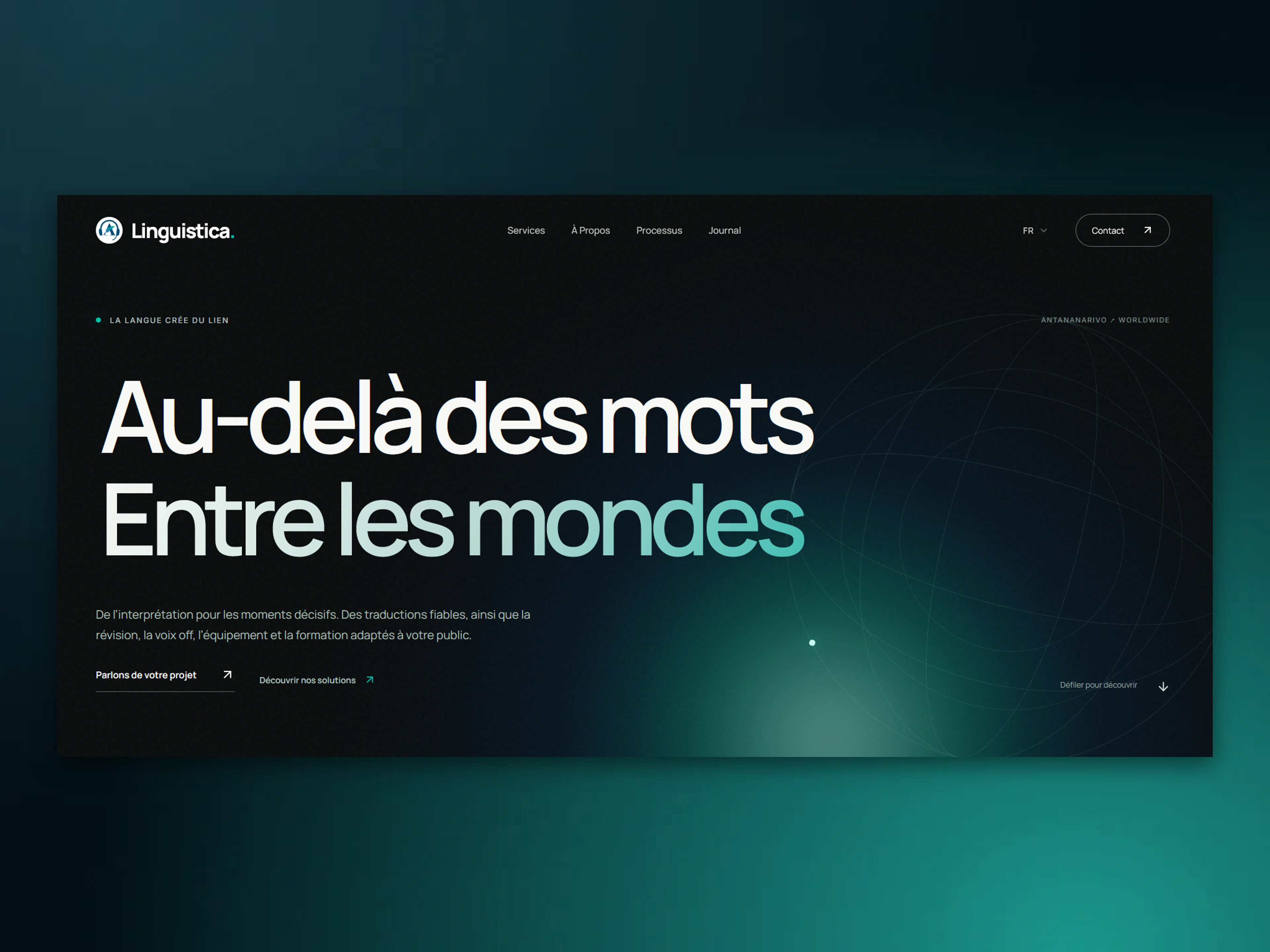
A cinematic interface earns its movement. Use animation to explain relationships, confirm actions and maintain orientation while preserving control, accessibility and a fast path to the content.
01.Give every movement a purpose
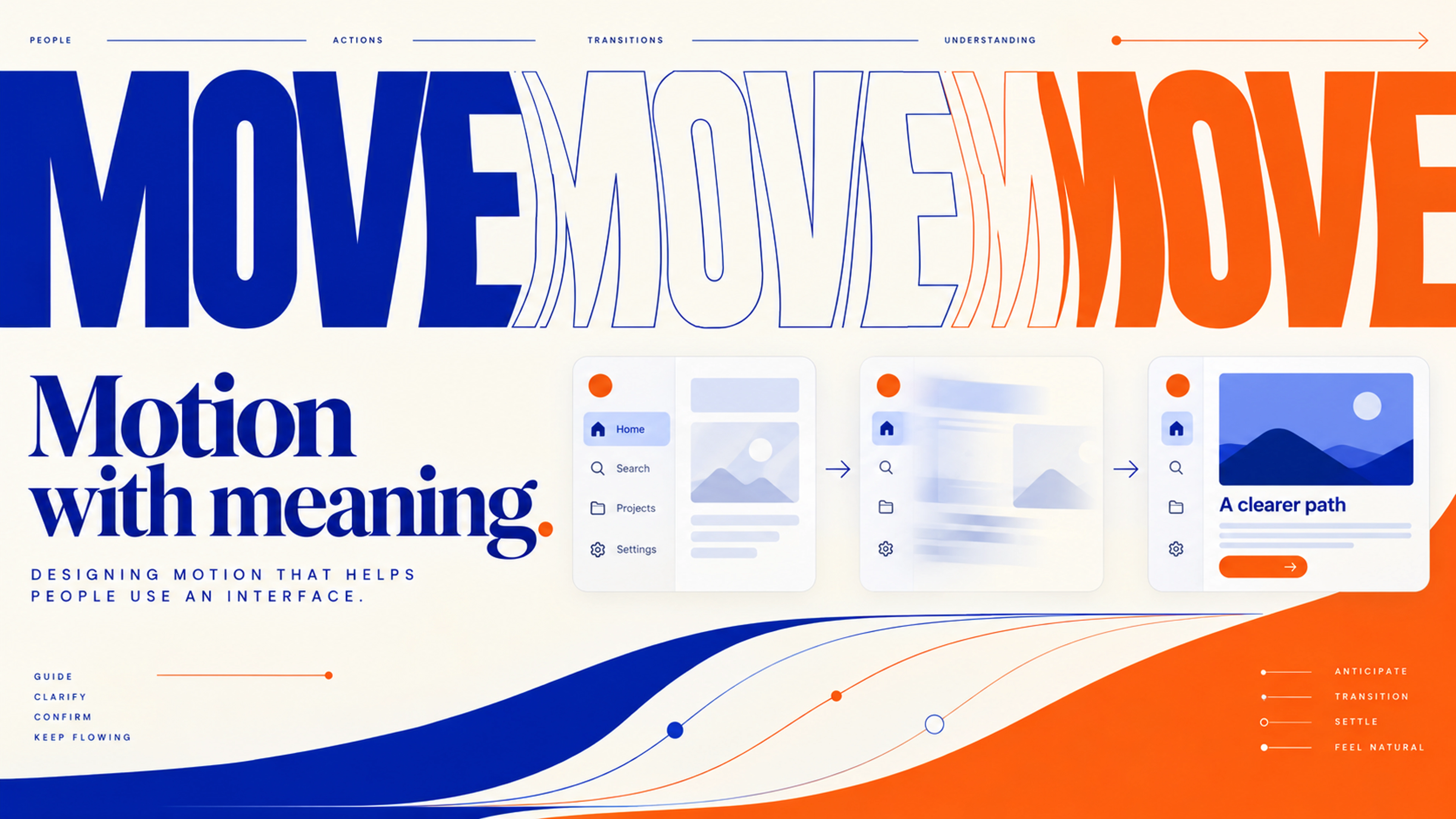
Motion can show that a panel came from a button, that an item moved into a collection or that a request is being processed. Before designing a transition, write the information it communicates. If removing it changes nothing useful, it is a decorative choice with a performance cost.
An opening sequence should not prevent a returning visitor from reaching the navigation. Product storytelling and task completion have different rhythms. Reserve expressive moments for sections where exploration is the goal; keep forms, menus and confirmations direct and predictable.
02.Preserve the visitor’s control
Scrolling should remain understandable. When a horizontal sequence is driven by vertical scrolling, provide a usable alternative on small screens and verify keyboard navigation. Avoid hiding essential information behind a gesture that the interface never explains.
Respect reduced-motion preferences and design a stable version of each animated scene. The alternate experience should preserve the content hierarchy and all actions. A reduced-motion mode is successful when it feels intentional rather than like an animation that stopped halfway.
03.Budget the visual work
Test the complete page on a modest device, not only the animation in isolation. Video decoding, oversized images and several canvas scenes can compete for resources. Reduce the number of simultaneous effects before trying to perfect every individual effect.
Use a poster while video loads and stop unnecessary work outside the visible area. Reserve space for media so that surrounding text remains stable. Choose transitions that communicate clearly even when the device cannot maintain the ideal rendering cadence.
04.Review the experience without its effects
Run the main journey with motion disabled, then restore it and compare clarity. The animated version should add understanding or character without making the task harder. Document the reason for the effect, its fallback and the device conditions under which it should be simplified.
- Check keyboard access and reduced motion.
- Keep important content available immediately.
- Test the entire page under realistic load.