
People need to understand who can see their information, what has been confirmed, and how to get help.
01.Explain the context of shared information
Before someone uploads a document, show the project it belongs to and the people or role groups that can access it. Use understandable relationship labels rather than internal permission codes. If visibility changes, explain the consequence before the action is confirmed.
This explanation must reflect the actual authorization model. Reassuring copy cannot compensate for a server that grants broader access than the interface describes.
02.Distinguish progress from confirmation
Uploading a file, storing it, and submitting it for approval are different states. Name them precisely and show a useful recovery action when one fails. Let users identify the current version and understand whether an approval applies to that exact version.
Avoid success messages before the server confirms a sensitive action. If processing continues in the background, explain what remains pending and how the outcome will be communicated.
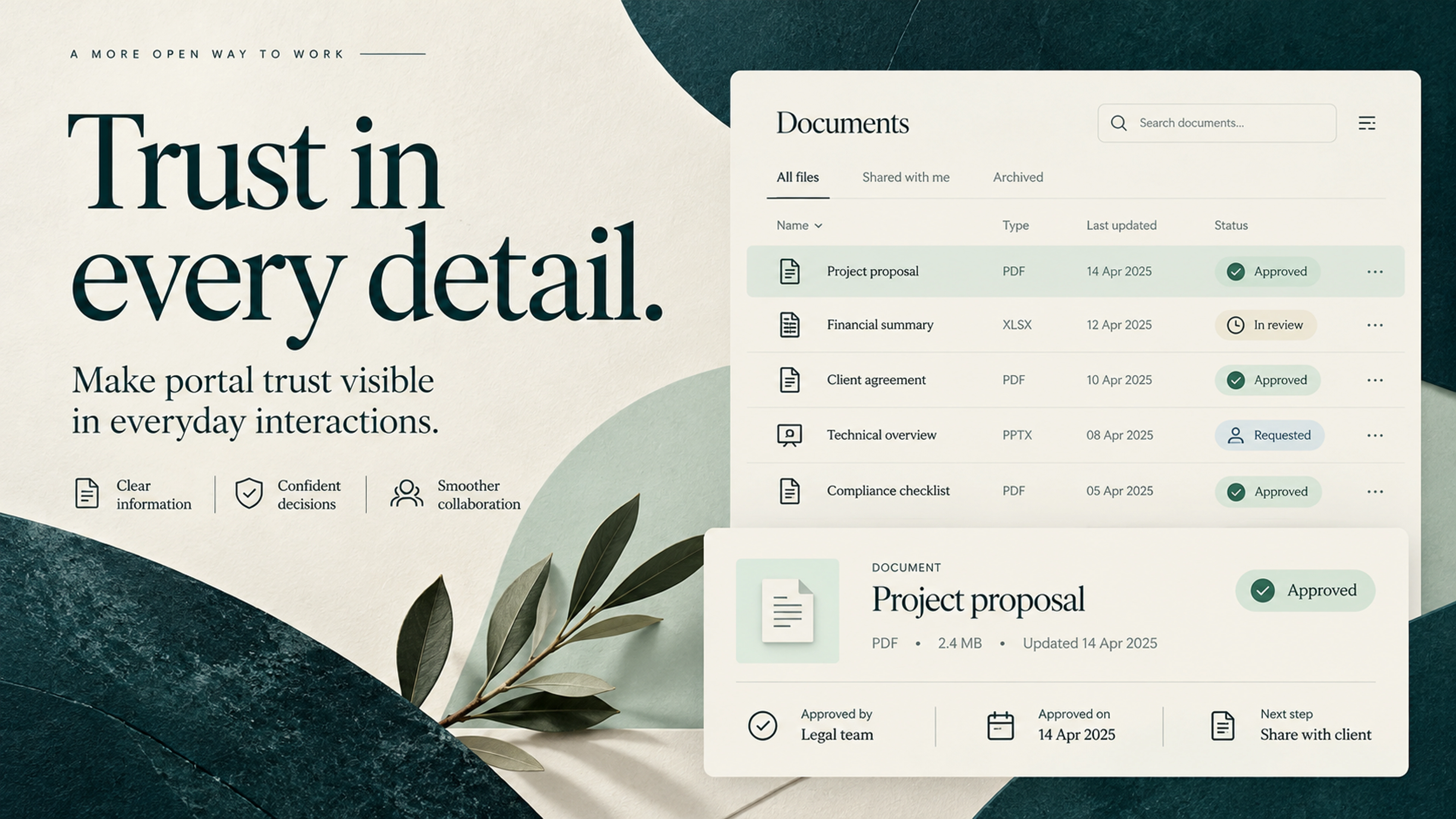
03.Use history to answer practical questions
A useful activity history explains who changed what and when, at a level appropriate to the viewer. It helps resolve questions about a missing file or an approval without forcing the client to reconstruct a chain of emails.
Decide which events need a durable record and who can inspect them. Display only necessary information and keep internal diagnostics separate from client-facing history.
04.Make help part of the service
Provide a visible contact route with the relevant project or request context. Explain what to do when a colleague needs access or a document was shared incorrectly. Review the portal with a first-time user and ask them to predict the result of a sensitive action. Their explanation tests whether the design communicates control clearly. Refine unclear labels before adding further reassurance messages.