The right choice depends on workflow fit, data ownership, integration effort, and the cost of future changes.
01.Start with the work the portal must support
A configurable portal can be a strong choice when its standard workflow matches your service. A custom build becomes more attractive when the relationship model, approval process, or integrations are central to how your business operates.
Describe representative tasks before comparing products. Include an unusual but important case, such as a partner managing several client accounts or an approval that must retain its original document version.
02.Compare the complete operating cost
List implementation, integration, migration, training, support, and maintenance alongside recurring charges. For custom software, include hosting, security maintenance, and the team's capacity to own the application. For a hosted product, examine usage limits and paid extensions.
Model an additional organization, a new integration, and a change in approval rules. Identify who performs each change and which dependencies might delay it. A first-year estimate alone cannot explain the long-term fit.
03.Check the exit before committing
Ask how documents, metadata, membership relationships, and audit history can be exported. A CSV of contact names is not a usable migration of the portal. Test the export with representative records and confirm its practical limits.
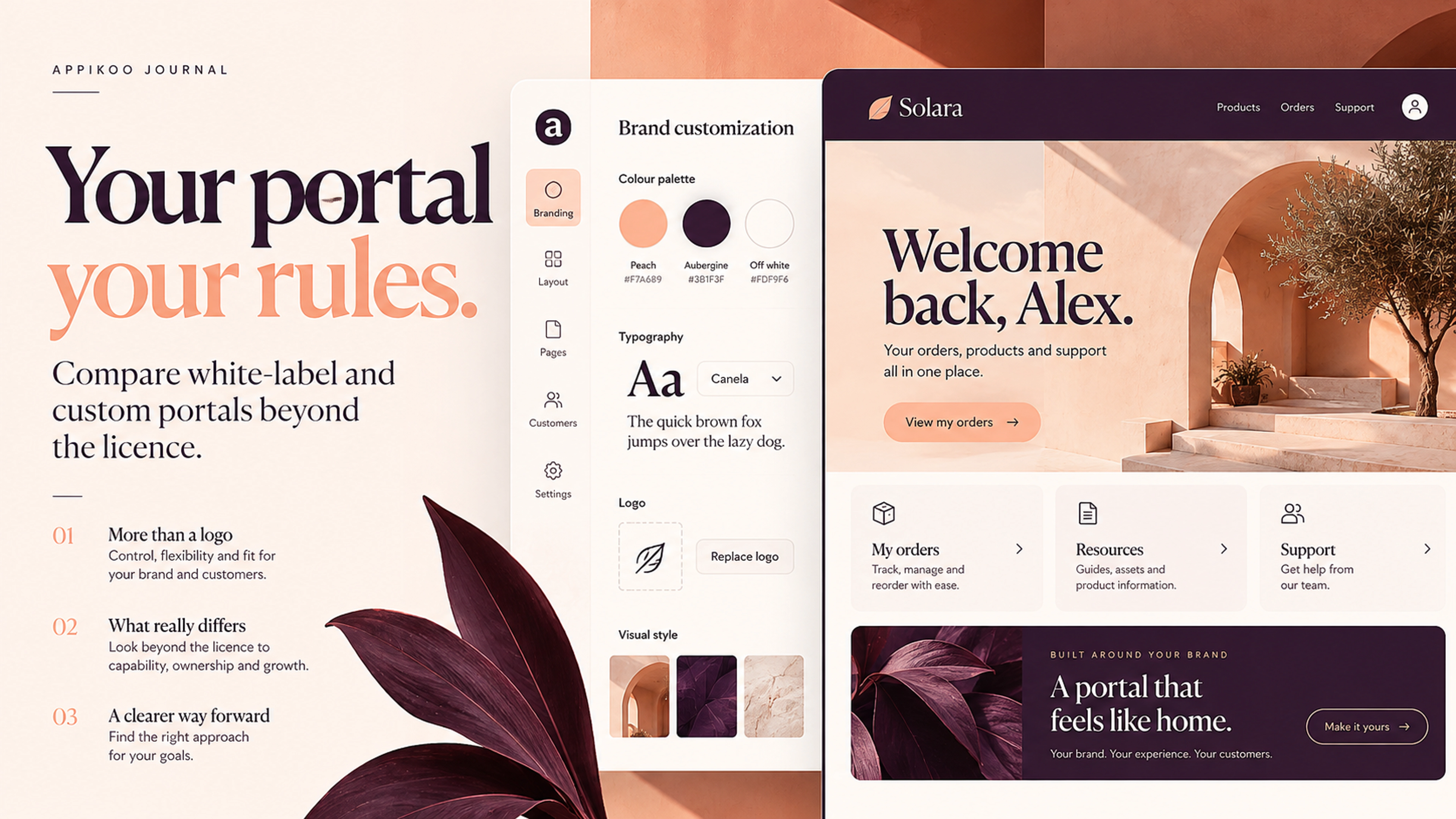
Examine authentication, API coverage, accessibility, and the ability to adapt key screens. Brand colours alone do not establish a good fit with the client's work.
04.Prototype the deciding constraint
Test the requirement most likely to invalidate an option. Connect one real integration or run the multi-organization approval scenario before polishing the home screen. Choose the approach that supports the service with an operating model your team can sustain. Custom software is not automatically the more premium choice; a well-matched product may leave more resources for improving the client experience.