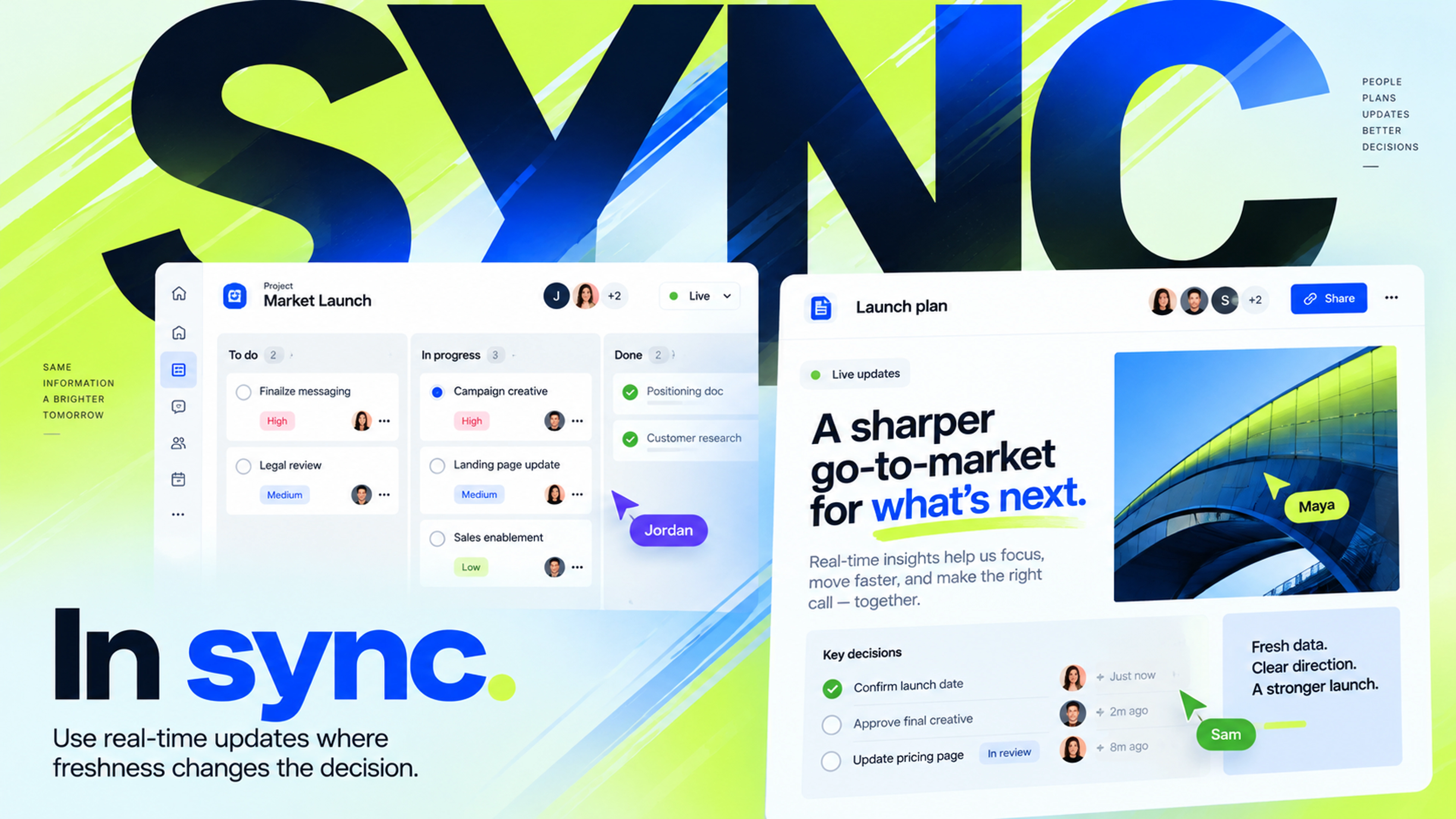
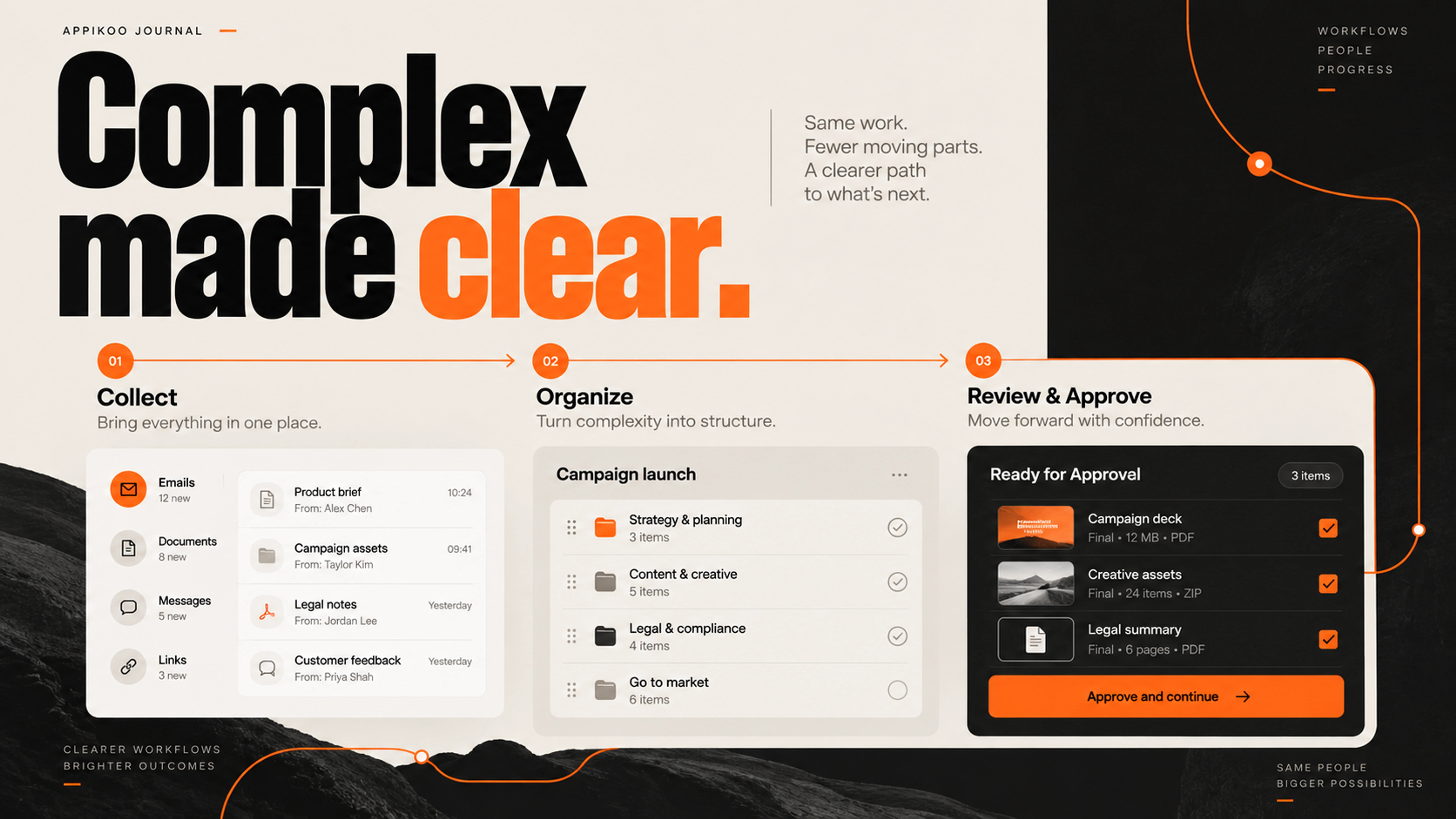
Good workflow design exposes the next useful decision while keeping progress, responsibility, and recovery visible.
01.Observe the work between screens
A complicated process often includes spreadsheets, conversations, and approvals outside the application. Map those handoffs with the people doing the work. Ask what information they wait for, which decisions they repeat, and where they keep private notes because the current tool has no suitable place.
Turn that map into task states rather than a department chart. Draft, ready for review, changes requested, and approved explain what can happen next more clearly than the names of internal teams.
02.Reveal detail when it becomes useful
Keep the primary decision prominent and group supporting information nearby. Progressive disclosure is useful when secondary fields are genuinely optional; it becomes harmful when required information is hidden until the final step.
Show which steps remain, which can be revisited, and whether a change invalidates an earlier approval. Avoid promising a short process through a misleading progress indicator.
03.Make recovery part of the flow
Long forms need a deliberate saving strategy. Explain when a draft is stored and provide a visible recovery path after an interruption. Do not label an action saved before the server has confirmed it; distinguish a local draft from a synchronized record.
For validation errors, preserve entered values and direct attention to the fields that need correction. Keyboard navigation and understandable labels should remain usable throughout the process.
04.Test a difficult scenario
Review more than the ideal demonstration. Ask someone to resume an incomplete request, correct a rejected document, and hand the task to a colleague with fewer permissions. Observe where they hesitate and whether the interface explains why an action is unavailable. Those moments reveal the real quality of a workflow.