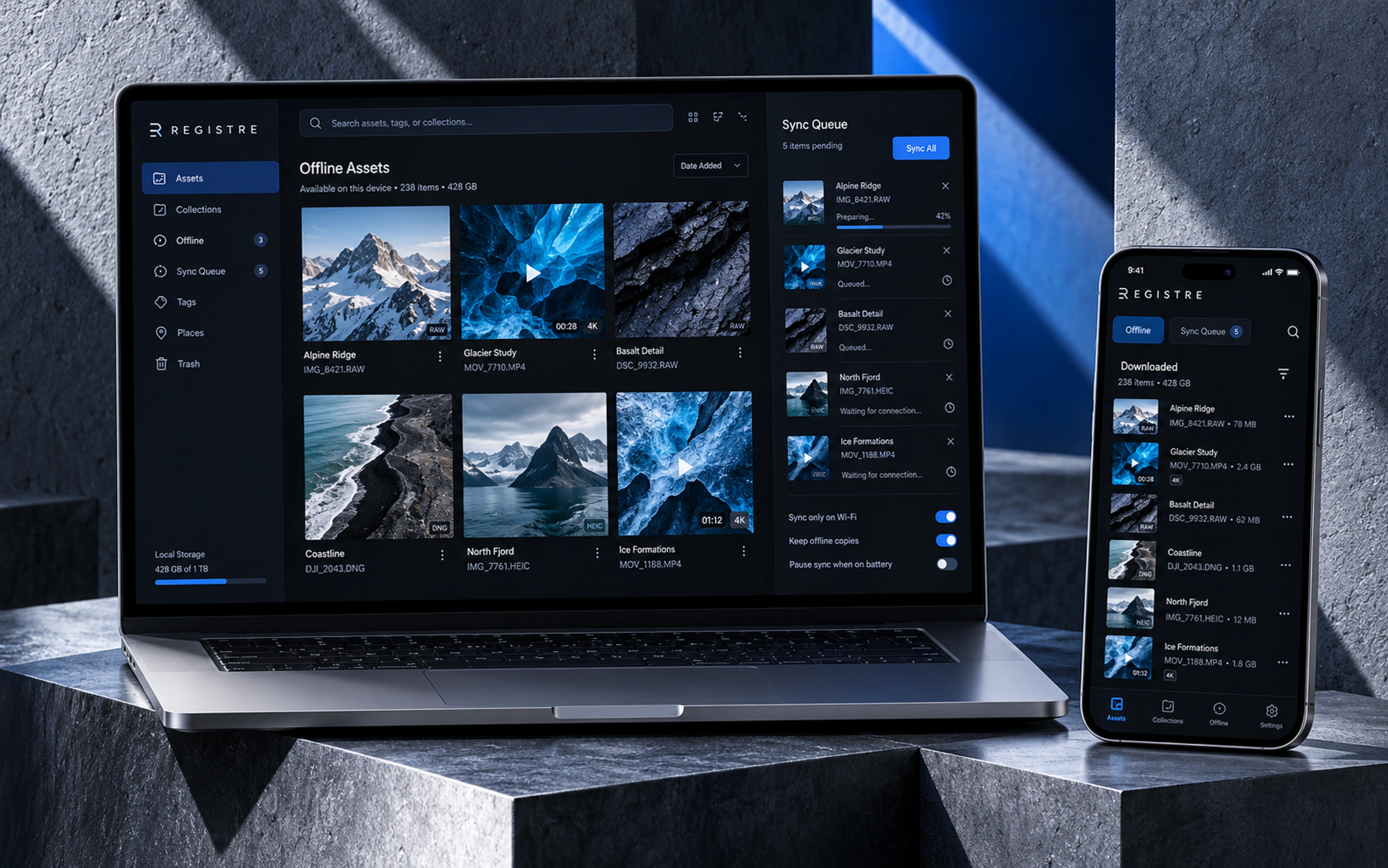
Native OS Integration.
File system access, system tray presence, native notifications, keyboard shortcuts, clipboard integration, and the OS-level behaviors that make desktop software feel like it belongs on the platform.

Native-grade software for environments where the browser falls short. We build Electron and Tauri-based desktop applications with native OS integration, hardware access, local compute performance, and the offline capability that web applications fundamentally cannot provide.
The web has become the default platform for business software, and for most use cases, that is the right choice. But there is a category of operational software where the browser's constraints are not inconveniences to be worked around. They are fundamental limitations that prevent the software from doing its job.
Desktop applications are right when you need direct hardware access, local compute performance, offline-first reliability, OS-level integration, or the ability to process data volumes that would be impractical over a network connection. We build desktop applications for exactly those cases, and nothing else.
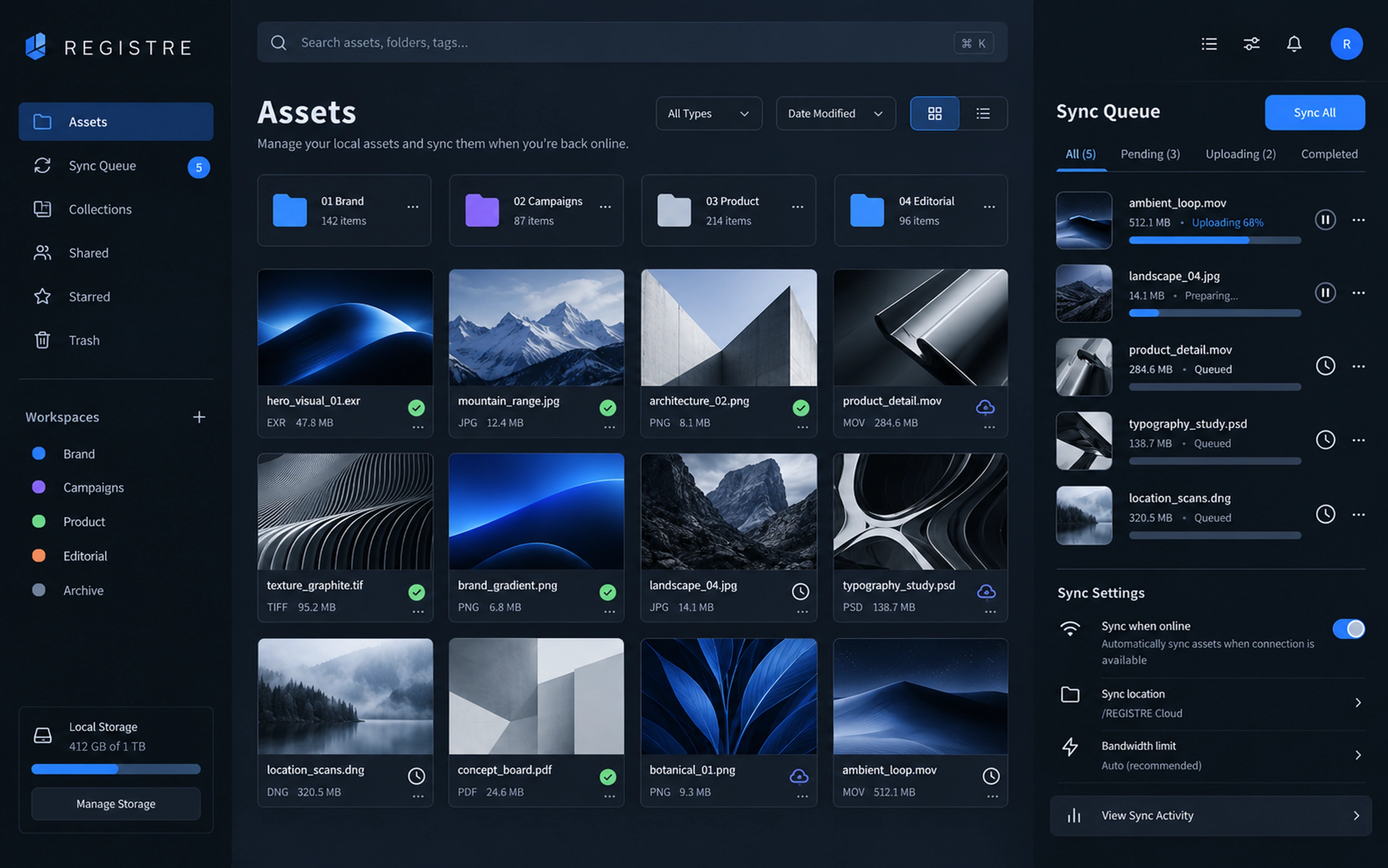
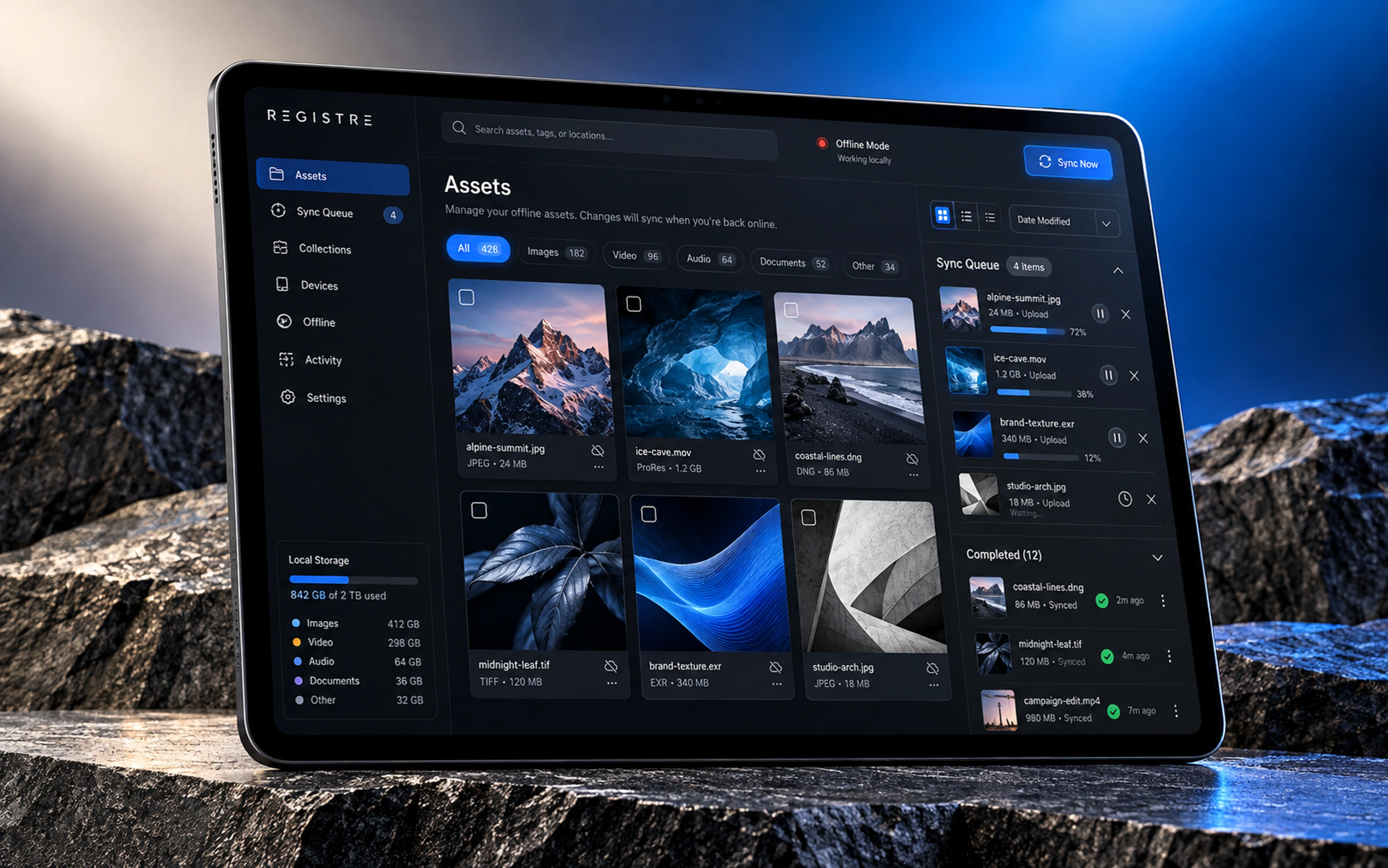
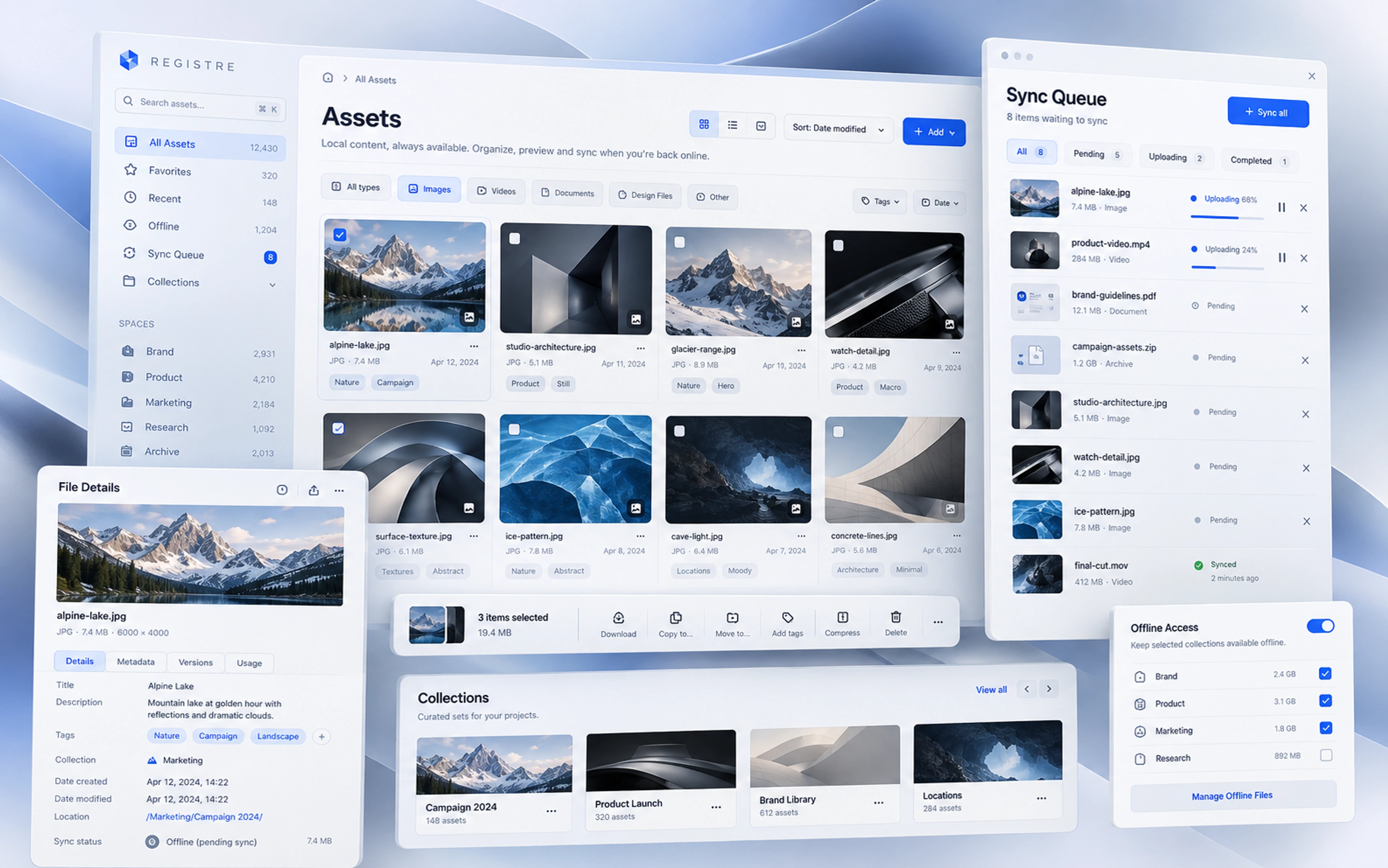
File system access, system tray presence, native notifications, keyboard shortcuts, clipboard integration, and the OS-level behaviors that make desktop software feel like it belongs on the platform.
Serial port communication, USB device integration, barcode scanner input, printer control, camera access, and the direct hardware connections that browser security models prevent.
CPU-intensive processing, large dataset manipulation, video processing, and computational workloads that require the full resources of the local machine, not a network round-trip for every operation.
Local SQLite databases, background sync engines, conflict resolution systems, and the data persistence architecture that keeps desktop applications fully functional regardless of network availability.
A precise engineering program that defines the platform requirements, validates the technology choice, and delivers a production-grade desktop application for every supported OS.
The scope delivered. The value it brings to each project.
4
Student records, assessments, timetables and school fees share a dedicated workspace built around daily school operations.
The confidence behind every collaboration.
“Appikoo brought student records, assessments, timetables and school fees into one desktop workspace. The application reflects the way our school teams work.”
Perspectives on desktop application architecture, Electron versus Tauri, offline-first data design, and the use cases where desktop is genuinely the right platform choice.
Projects from the Appikoo portfolio, from branding to deployment.
Tell us about your vision we'll transform it into a refined, high-performing digital experience designed to elevate your brand and drive meaningful impact.
Honest answers about Electron versus Tauri, cross-platform support, hardware integration, and when desktop is genuinely the right choice.